---
title: Saw the Google News? Try Sign Language AI in SignCaption
description: Discover SignCaption's real-time Sign Language AI, offering improved recognition and faster processing for seamless communication, accessible on any device
image: https://blog.sign-speak.com/hubfs/PhotoAd_GoLivev2.jpg
---
[](https://sign-speak.com/)
[For organizations](https://sign-speak.com/for-enterprises) [For Individuals](https://sign-speak.com/community)
☰
[For Organizations](https://sign-speak.com/for-enterprises) [For Individuals](https://sign-speak.com/community)
# Saw the Google News? Try Sign Language AI in SignCaption
[Author: Sign-Speak Team](https://blog.sign-speak.com/author/sign-speak-team)
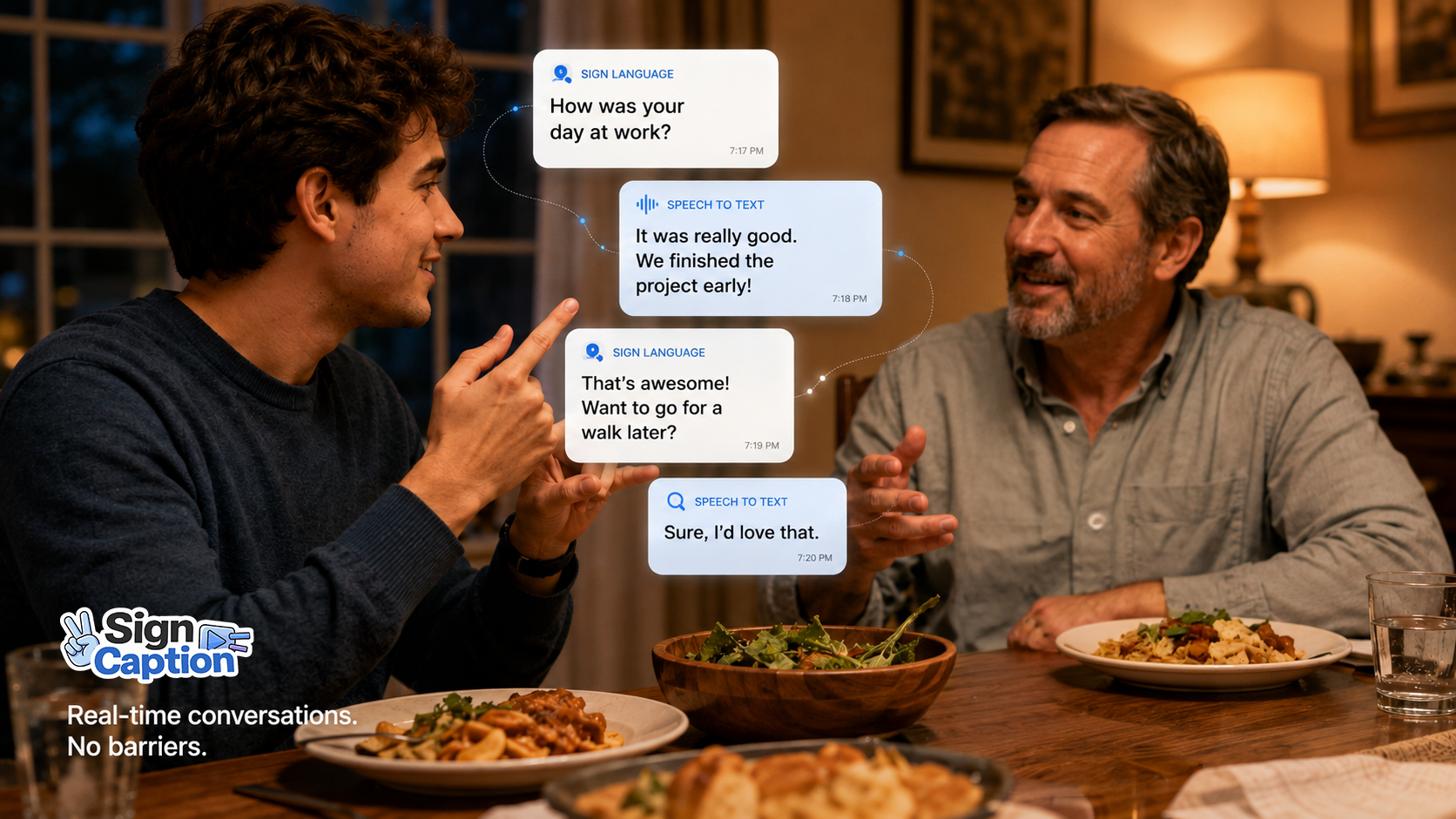
You may have seen the news about Google's new sign-to-text feature on the Pixel 11. But guess what! SignCaption provides real-time Sign Language AI as well right in your browser. Just open [SignCaption](https://signcaption.ai/) on the device you already have. (Yes, including Apple 😉.)
The new Live Caption includes:
- **Faster processing**
- **Improved sign language recognition**
- **Upgraded voice recognition models**
- **A completely new interface**
## A New Live Caption experience
One of the biggest changes is the look and feel itself.
We've rebuilt Live Caption around the conversation rather than the transcription technology happening behind it.
The signer can now clearly see themselves on camera while communicating, helping them stay properly framed for sign language recognition.
At the same time, signed and spoken messages are presented within the same conversation experience so both people can easily follow what's being communicated.
The goal is for Live Caption to feel less like operating an AI tool and more like simply having a conversation.
## Faster processing
Real-time communication needs to feel real-time.
Even small delays between signing, speaking, and seeing a response can interrupt the natural rhythm of a conversation.
We've made significant improvements to Live Caption's speed to reduce delay and make interactions feel more responsive.
## Better sign language recognition
We've also improved the sign language recognition models powering Live Caption.
Sign language recognition is one of the hardest problems in AI. That is why 10 years matters. We have been working on this since 2016. As a Deaf team, we are continuing to improve how SignCaption understands sign language and translates signing into text during everyday conversations. But we are proud to show you our latest model!
## Big news for sign language AI
Other companies are working on this too.
Google DeepMind just announced SL2T, a new sign-language-to-text model. Google says it was trained on more than 100,000 hours of data across more than 50 sign languages. It now powers new sign-to-text features in Gboard and Live Transcribe, starting with American Sign Language to English.
This is good news for our community. More companies building sign language AI means better technology for everyone.
**Google's new experience is launching first on Pixel 11 which costs as low as $899.**
Google says additional devices are coming, but today, someone who wants access to its newest sign language features needs Google's newest hardware.
Do not own a Pixel 11? Use an iPhone? You can still try sign to text. Open [SignCaption](https://signcaption.ai/).
## Works on the device you already have
Live Caption works through the web, which means you can use the devices you already own.
**iPhone.**
**Android.**
**Tablet.**
**Mac.**
**Windows PC.**
No switching ecosystems.
You do not need to switch from iPhone to Android. You do not need special accessibility hardware. You do not need to buy a new phone.
Open SignCaption on your device. Start Live Caption. Use the camera and microphone you already have.
New technology matters. Being able to use it matters too.
**But access to that technology matters too.**
## 15 free minutes for two weeks
Free SignCaption users normally get 5 free AI minutes.
For the next two weeks, we are giving you more time to try the new Live Caption.
**5 free minutes → 15 free minutes**
That is 15 minutes of free AI credits for free SignCaption users during this promotion.
Try Live Caption with a friend. Use it with a coworker. Have a conversation with a family member.
See how fast it is. See how well it reads your signs. Then tell us what we should build next by giving us feedback.
## **Start your trial today: [https://signcaption.ai/](https://signcaption.ai/)**
## Related Articles
[](https://blog.sign-speak.com/signcaption-mobile-ui-update)
### [SignCaption Mobile Update](https://blog.sign-speak.com/signcaption-mobile-ui-update)
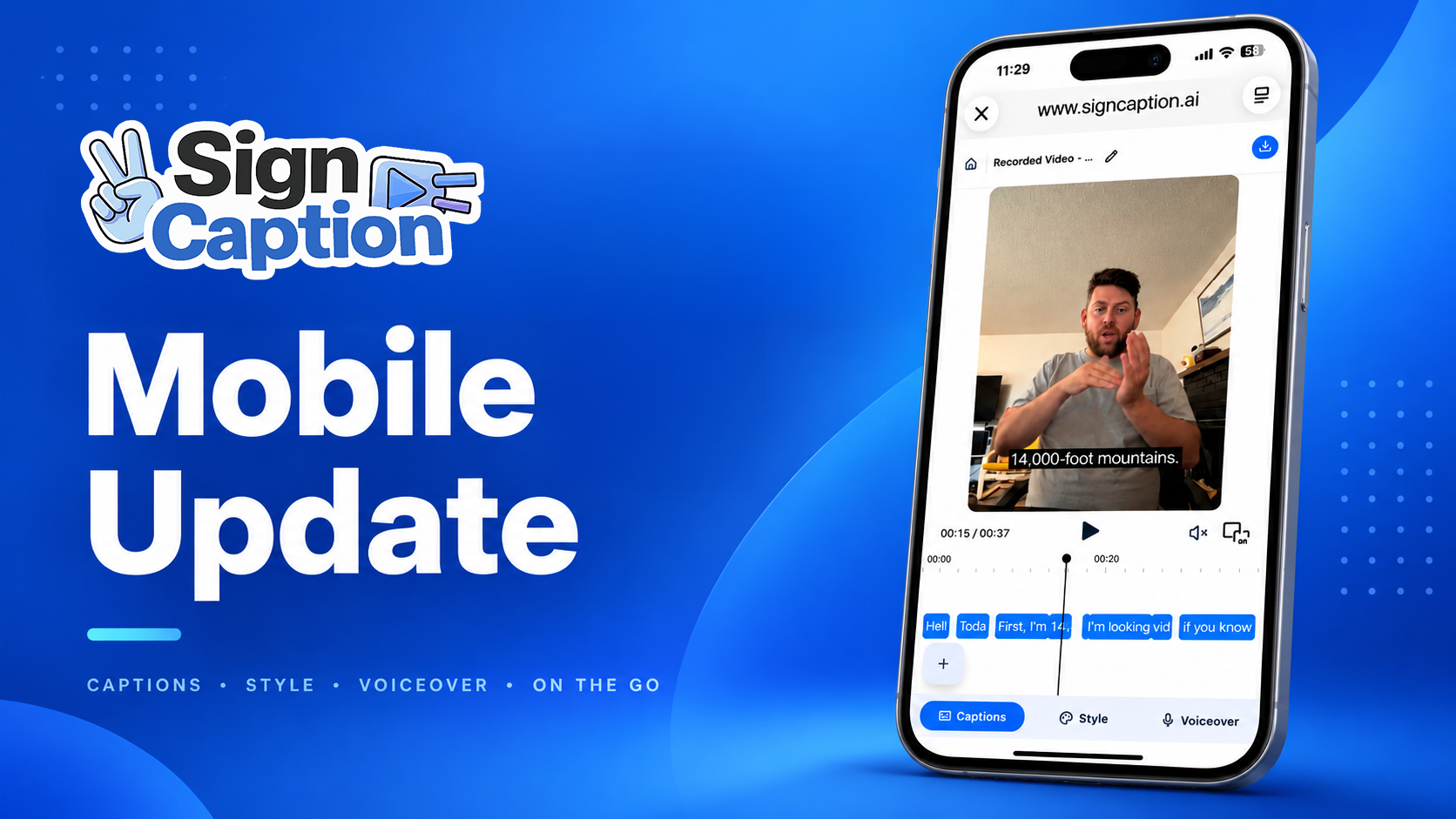
Over the last year, one of the most consistent requests we’ve heard from SignCaption users is simple: **make it easier to create and edit captions directly from a phone.**
[Author: Sign-Speak Team](https://blog.sign-speak.com/author/sign-speak-team)
[Read More](https://blog.sign-speak.com/signcaption-mobile-ui-update)
[](https://blog.sign-speak.com/export-captions-as-srt-files-with-signcaption)
### [Export Captions as SRT Files with SignCaption](https://blog.sign-speak.com/export-captions-as-srt-files-with-signcaption)
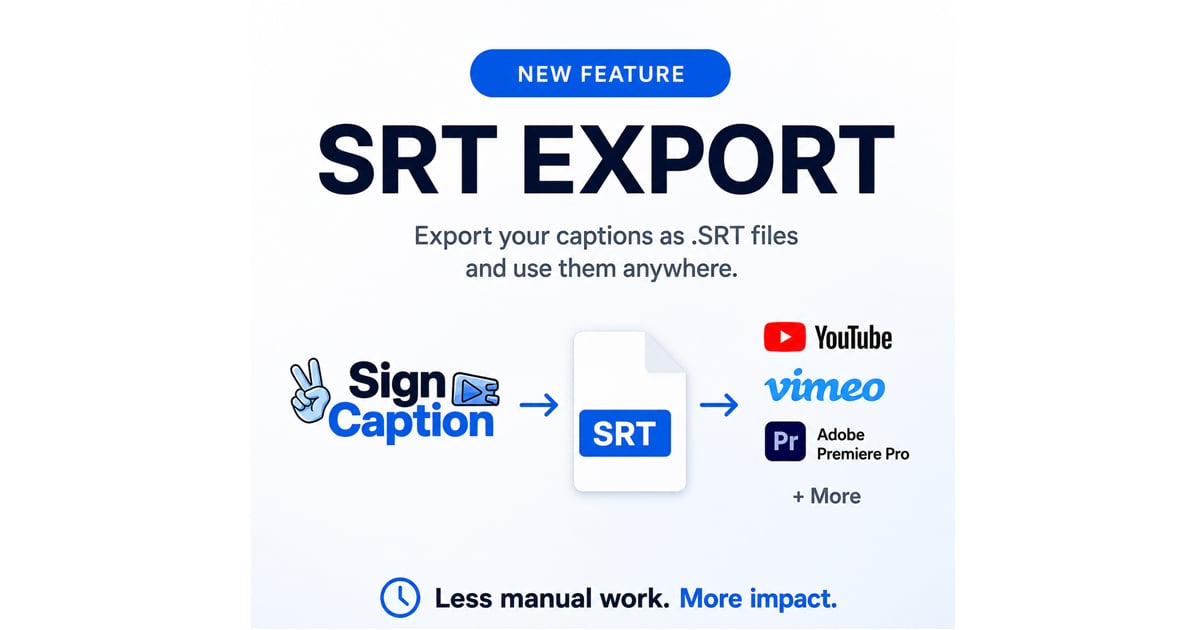
Today we're excited to introduce one of our most requested features: **SRT Export**, now available inside SignCaption.
If you've ever needed to take your captions beyond...
[Author: Sign-Speak Team](https://blog.sign-speak.com/author/sign-speak-team)
[Read More](https://blog.sign-speak.com/export-captions-as-srt-files-with-signcaption)

Our mission is to empower the Deaf and Hard of Hearing communities through innovative tools that foster inclusive and seamless communication with hearing individuals.
#### COMPANY
[About](https://sign-speak.com/team) [Careers](https://sign-speak.com/careers) [FAQ](https://sign-speak.com/faq)
#### ORGANIZATIONS
[SignCaption Enterprise](https://sign-speak.com/for-enterprises#caption-asl) [SignLive](https://sign-speak.com/for-enterprises#sign-live) [API/SDK](https://sign-speak.com/for-enterprises#api)
#### DEAF COMMUNITY
[Log In](https://sign-speak.com/community#caption-asl) [Pioneers](https://sign-speak.com/community#pioneers) [Blog](https://blog.sign-speak.com)
#### HELP
[Contact Us](https://sign-speak.com/contact-us) [Terms & Conditions](https://sign-speak.com/legal/customer) [Privacy Policy](https://sign-speak.com/legal/privacy)
© Copyright 2026, All Rights Reserved by Sign-Speak Inc
```json
{
"@context" : "https://schema.org",
"@type" : "VideoObject",
"contentUrl" : "https://9340085.fs1.hubspotusercontent-na1.net/hubfs/9340085/video_assets/219942341408/inherited/web_optimized.mp4",
"dateModified" : "2026-08-20T16:36:44.563Z",
"duration" : "PT2M37S",
"height" : 1080,
"name" : "InstagramAd_ProductionReady",
"thumbnailUrl" : "https://9340085.fs1.hubspotusercontent-na1.net/hubfs/9340085/InstagramAd_ProductionReady.mp4/medium.jpg",
"uploadDate" : "2026-08-20T16:36:44.561Z",
"width" : 1080
}
```